Pick a photo.
Something you cooked, a place you visited, or a photo from your walk home. Start with one from your camera roll.
An app by Oddtronaut
Choose a photo, turn it into a drawing, and write about your day. Save the letter for yourself or send it to a friend.
Google Play How it works ↓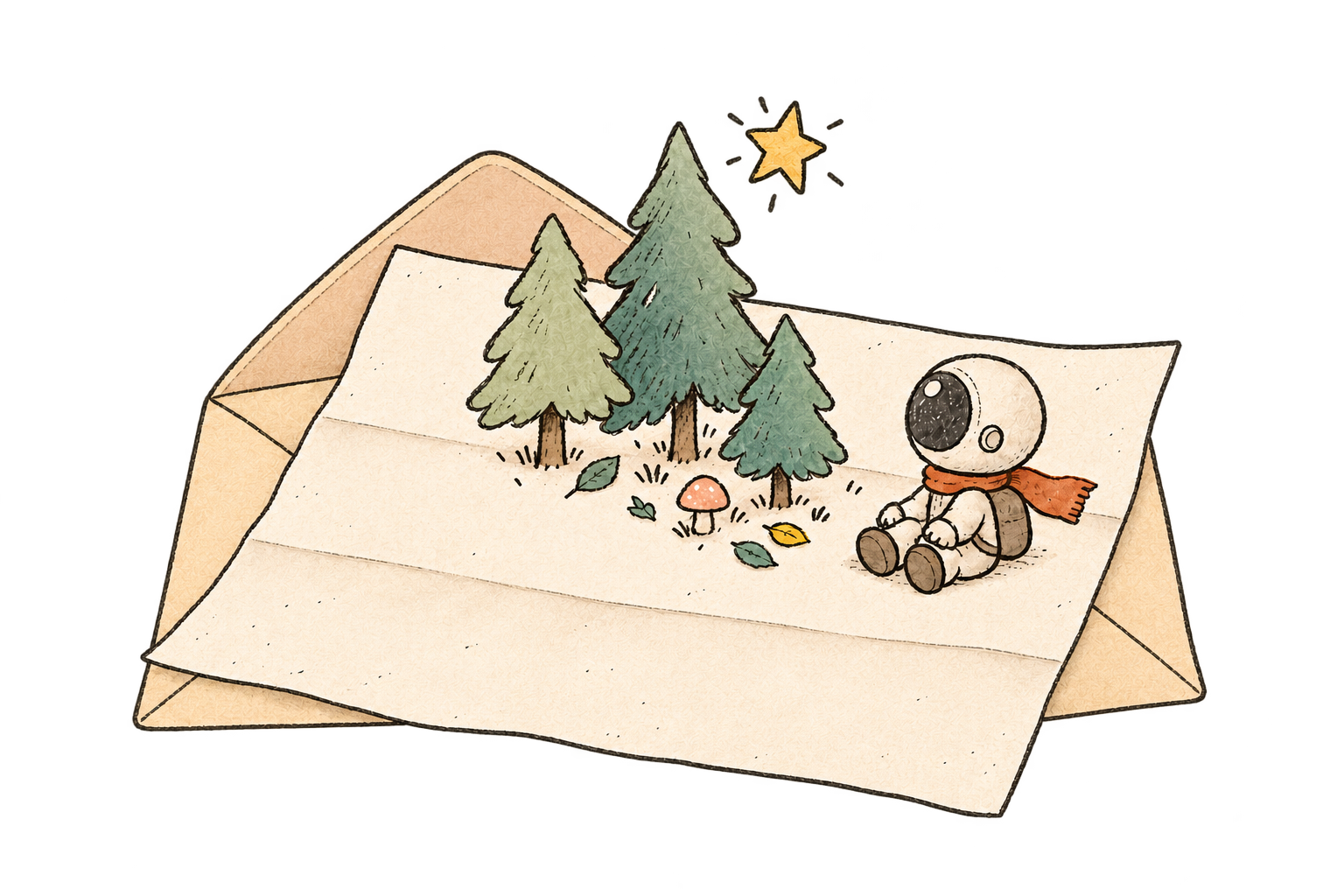
Something you cooked, a place you visited, or a photo from your walk home. Start with one from your camera roll.
Choose a drawing style and paper, then add what you want to say. There are two formats: a card or a postcard.
Find your saved letters in the calendar. To send one to a friend, share its link — they can read it without installing the app.
Inside the app
Here’s a café lunch in four of Papermori’s drawing styles. You choose the style before making your letter.
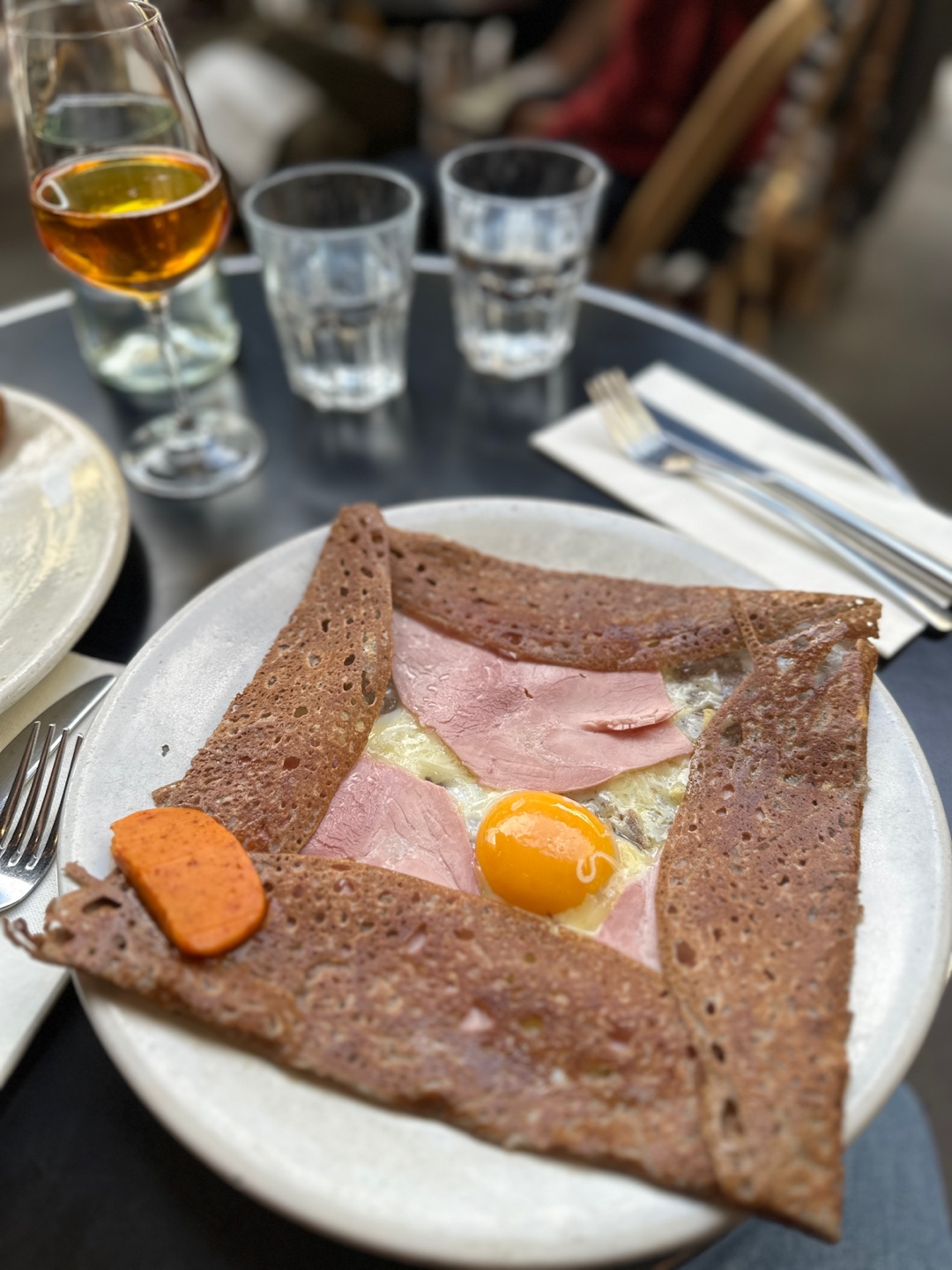
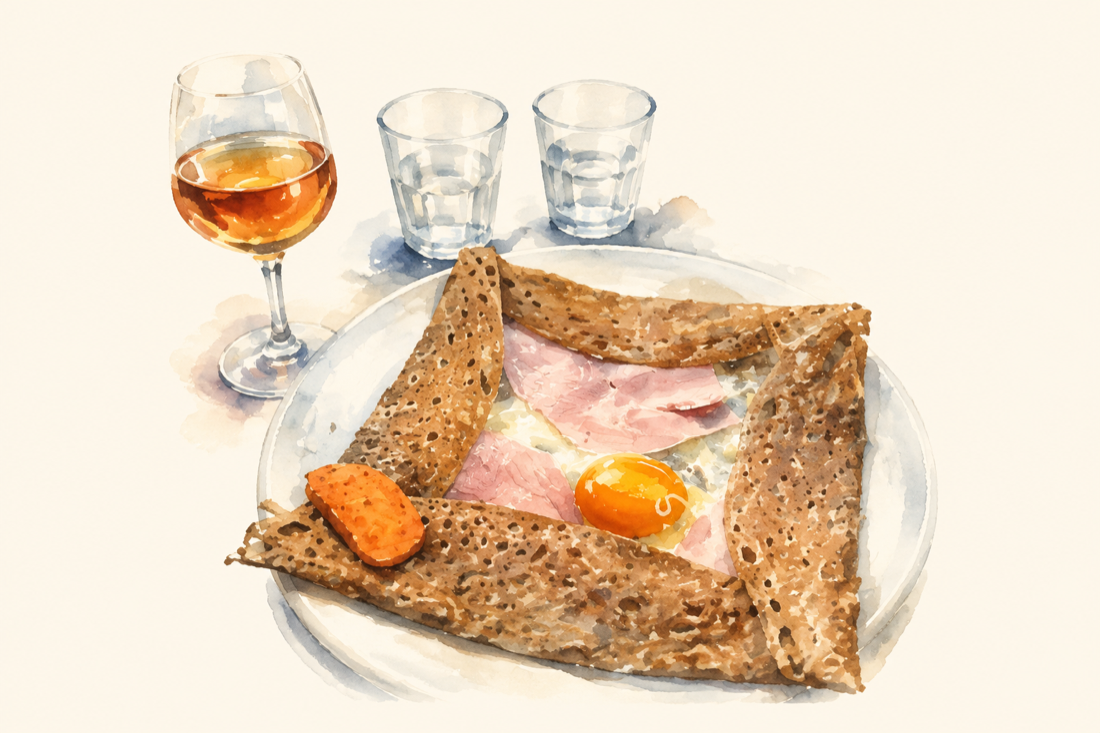
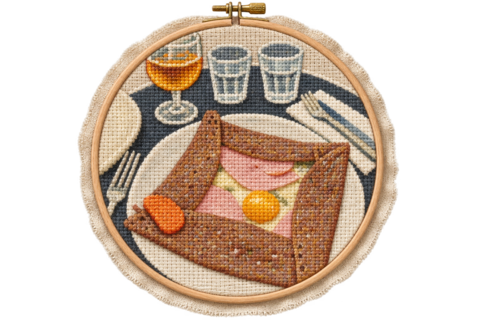
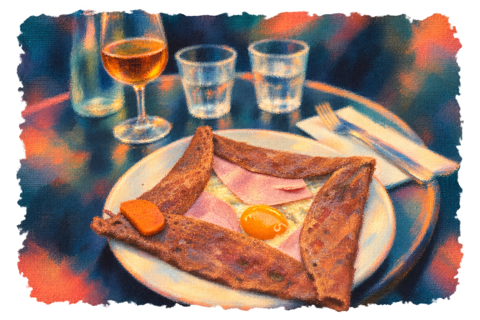
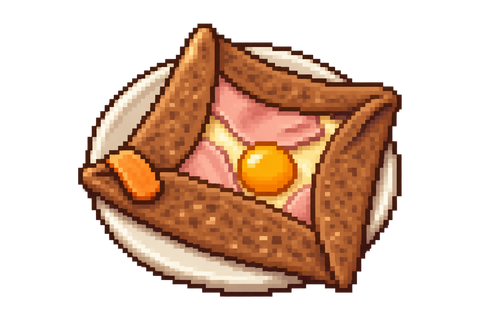
Example results. Available styles depend on your plan and the current collection.
Start with a photo you took.
Google PlayLetters are saved and shared digitally, not printed or mailed.
Coming soon to the App Store.